Nonprofit · Org Design
FEEST Seattle — Workspace Architecture
A nonprofit's Google Workspace had grown organically for years — files everywhere, no consistent permissions, and a folder structure no one could explain. I led a Miro-driven mapping exercise that produced a documented, role-based architecture the staff could actually navigate.
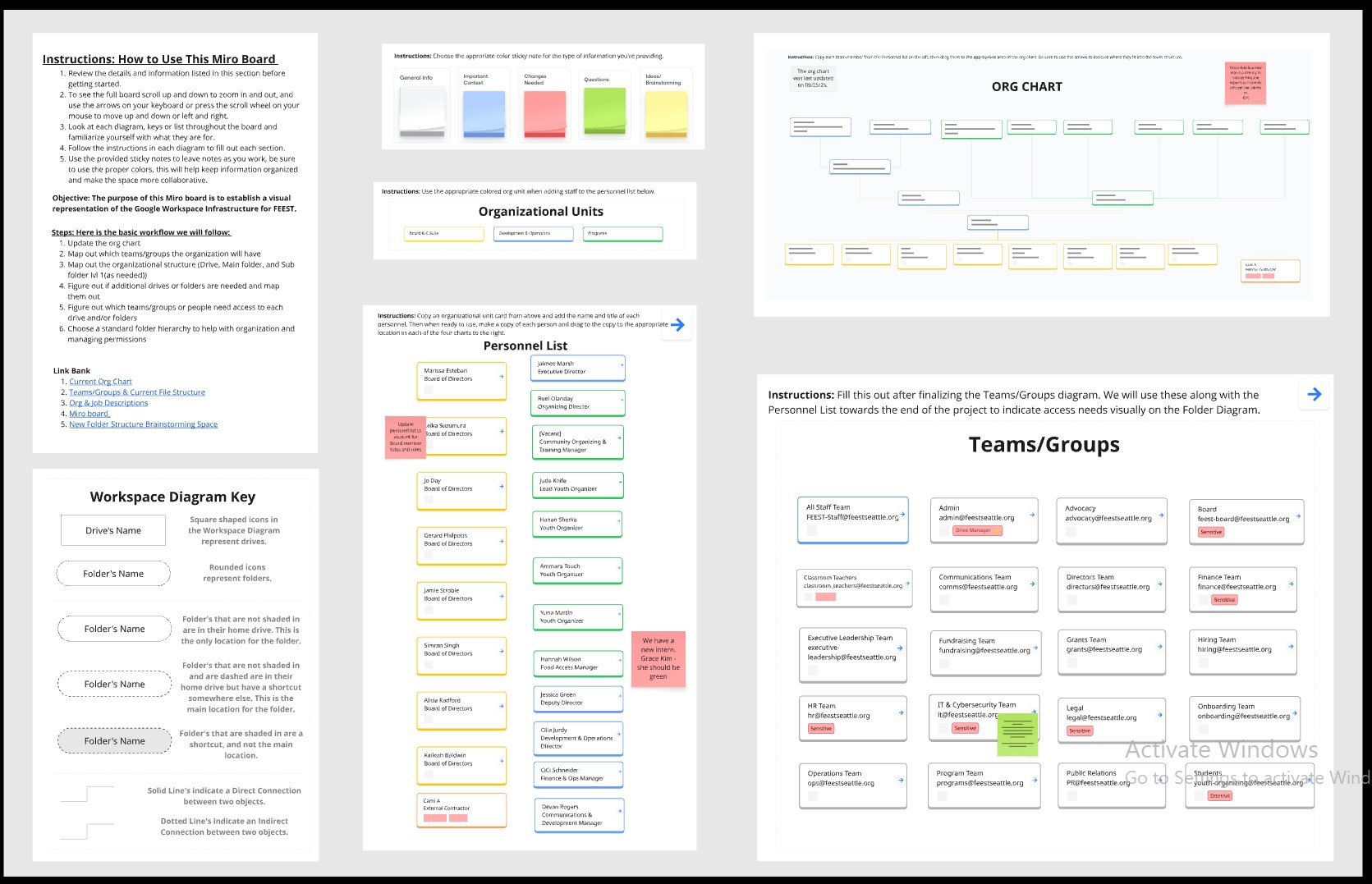
Miro board · org chart, personnel, teams, and access groups in one view
What the architecture covers
- Org chartLiving chart of every staff member, with reporting lines and last-updated stamp — the canonical reference for "who reports to whom."
- Organisational unitsThree top-level units (Board & C-Suite, Development & Operations, Programs) mapped against every workspace folder.
- Personnel listEvery staff member tagged with their role, organisational unit, and the teams they need access to.
- Teams & access groups16 named teams (All Staff, Admin, Advocacy, Board, Communications, Directors, Finance, etc.) each with a dedicated email and clear sensitivity flags.
- Folder hierarchy & drivesA standard folder structure that maps cleanly onto the org units — with visual rules for home-drive, shortcut, and shared.
- Permission modelSensitive folders flagged, drive managers assigned, and external access (interns, contractors) explicitly mapped.
The toolchain
MiroGoogle Workspace AdminNotion
Outcome
16
Named teams
Each with its own access scope.
100%
Sensitive data flagged
HR, Finance, Legal, IT properly scoped.
1 page
Onboarding checklist
For every new hire role.